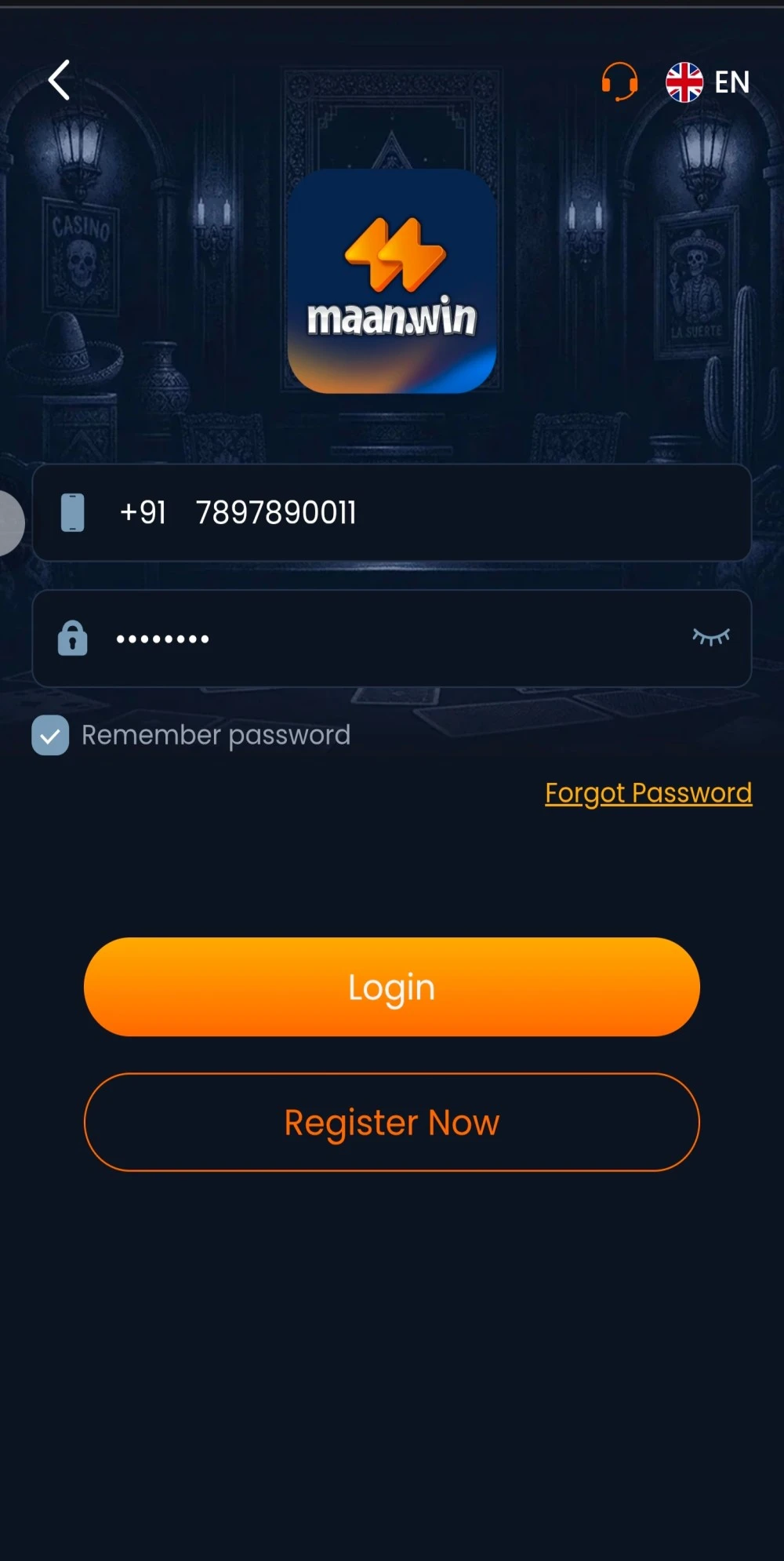
Maan Win Login Overview
Maan Win Login is used by existing account holders to access the account area provided by the current platform. Before entering a mobile number, password or recovery information, verify the page you are using and keep all login details private.
How to Access Maan Win Login
Follow the current login interface carefully. The exact labels or recovery options can change when the platform is updated.
Maan Win Login Requirements
Login normally requires the account information created during registration. Keep these basic checks in mind before attempting to sign in.
Registered account: Use the same mobile number or account details associated with the existing account.
Correct password: Re-enter the password carefully instead of making repeated rapid attempts.
Working connection: Make sure the page or app has loaded completely before submitting login details.
Private device: Avoid saving passwords on unknown or shared devices.
Forgot Maan Win Login Password?
If the current login screen provides a password-recovery option, use that process rather than repeatedly guessing the password. Recovery requirements may change with the platform version.
Common Maan Win Login Problems
Most sign-in issues can be checked without repeatedly submitting account details. Review the problem first and then use the relevant recovery or support option.
Incorrect password: Check capitalization and typing. Use password recovery if you are unsure.
Wrong mobile number: Confirm you are using the number or account details originally registered.
Account locked: Stop repeated login attempts and follow the current recovery or support process.
Page not loading: Check your connection, reload the platform and confirm the service is currently available.
Account access still failing: Use the support method displayed by the current platform rather than sharing credentials with third parties.
Maan Win Login Security Checklist
Account security is more important than signing in quickly. Verify the page and protect all credentials before entering sensitive account information.
Maan Win Login FAQ
How do I access Maan Win Login?
Open the current Maan Win platform, choose the Login option, enter the mobile number or account details registered with the platform, enter the correct password, and then submit the login form.
What should I do if I forgot my Maan Win password?
Use the password recovery option shown on the current login screen. Follow the platform's verification steps carefully and never share an OTP, password, or recovery code with unknown people.
Why is Maan Win Login not working?
Check the mobile number or account details, re-enter the password carefully, confirm that the platform is loading normally, and check your internet connection. If the problem continues, use the support option shown by the current platform.
Why is my Maan Win account locked?
Repeated incorrect login attempts or an account security check can temporarily limit access. Stop repeated attempts and follow the recovery or support process shown by the platform.
Can I use the same Maan Win account on mobile and browser?
Account access depends on the current platform and account settings. Use the same registered account details only on the platform interface you have verified.
How can I keep my Maan Win account secure?
Use a unique password, keep OTP and recovery information private, verify the page address before entering account details, and avoid signing in through unknown links or shared devices.
About This Maan Win Login Guide
This page is an independent informational guide for people searching for Maan Win Login and account-access information. It is not the official operator login page. Platform screens, recovery methods and account requirements may change over time.